Showing posts with label spelling. Show all posts

Tuesday, June 29, 2021

Words Rock Online from EdAlive: A TOS Crew Review

                                EdAlive


Disclosure: I received this complimentary product through the Homeschool Review Crew



Words Rock Online from EdAlive


Summer is a great time to sneak in some learning that looks more like a video game!  Words Rock Online from EdAlive is an online, adaptive learning program designed to help your students (ages 5-15) with core literacy skills like vocabulary, spelling, grammar, punctuation and pre-literacy in a fun game-like environment.

Parents login first and set up student user accounts.  The program will work on any internet ready device - tablets, computers and smartphones - you can take it on the go!

Students can choose to play a multi-player, Battleship-type game to capture slugs and earn points. The program is an adaptive learning format, that means it records and adjusts the difficulty of questions to each student.  Players can choose quick games against other players or against the computer. My testers really didn't like the game - it seemed to take too long for the turns, and they quickly tired of it.


My students preferred to choose the "Questions Only" option.  In this mode, students are asked a WIDE variety of language questions including vocabulary, spelling, grammar and punctuation.


The questions are varied, with an option to choose "Too Hard" if the question is above their level.

What my students enjoyed most was the variety.  Some questions have them typing in the answer, some moving the boxed word and other variations. Here's a peek at some of the questions:


At first the questions were easy for them, but the adaptive learning function adjusted questions to more and more difficult questions.  Each question allows the student the opportunity to attempt to answer twice before displaying the correct answer.  


This one even stumped me!

The questions cover spelling, vocabulary, grammar & punctuation and advanced grammar questions.  You can also choose the "all content" option and have all types of questions in a random order. It's a fun way to review and keep those skills sharp over the summer.


Each question is presented in a fun, cartoon illustrated way.


Spelling exercises are included too...


These type of questions were great for developing careful reading and details!


The parent account lets you see detailed results so you can know what needs some more attention, and which skills are mastered.


The program is not comprehensive enough to teach the skills, but it can be a fun way to sneak in some review.


Be sure to check out the other products from EdAlive    


Find EdAlive on Social Media:


Hashtags: #hsreview #wordsrock #vocabularygames #wordgame #grammarlearning #vocabularyenglish #vocabularylearning #wordgames #wordskills #readingsoftware #vocabularyinenglish #wordpower #phonicsisfun #phonicsactivities




        Online Math, Reading, and Language Arts with EdAlive

Tuesday, June 9, 2020

Math Shed & Spelling Shed: A TOS Crew Review


Disclaimer: I received a FREE copy of this product through the HOMESCHOOL REVIEW CREW in exchange for my honest review. I was not required to write a positive review nor was I compensated in any other way


Math ShedSpelling Shed from Ed Shed

Summer break is a great time to sharpen some basic math and spelling skills with Math Shed & Spelling Shed from Ed Shed.


Math Shed and Spelling Shed are an online subscription from Ed Shed designed for your 1st-5th graders to help practice math and spelling skills in a fun game.  The subscription gives one year access to the Teacher Hub and Web Game for up to 5 students. Each user creates their own individual login.

The Teacher Hub allows parents to set up students and groups of students called leagues, create assignments with spelling lists or custom spelling lists and to monitor student's progress.

Students have unlimited access to the web games, and easily switch between Math Shed and Spelling Shed. Students create a personalized avatar that is shared between programs.  To upgrade their avatar, they need to earn Honeypots by answering questions correctly within the game.

This is one of my tester's favorite parts - she loves to accessorize her avatar!

Web Game portion of the program is where all the fun is at.  Students get to practice math or spelling skills with a variety of options.


There are several options for play in Spelling Shed:


  • Play - is where they practice spelling a list of 10 words in a timed format
  • Beekeeper  - allows them to guess the words by choosing letters
  • Buzz Words - they create words with random letter tiles 
  • Hive games - where students can play with others inside the program

In addition, the web games have options they can choose from to adjust the level of difficulty:

  • Easy–The word is shown, an audio clip is played and only the included letters are shown.
  • Medium–An audio clip is played and only the included letters are shown.
  • Hard–an audio clip is played and the included letters plus some random letters are shown.
  • Extreme–An audio clip is played and a full qwerty keyboard is shown. Letters must be correctly accented and capitalized.

My testers are in 5th and 6th grade.  They loved getting to pick the level they wanted.  The "hard" words were a challenge for them.

Each game includes 10 words to practice spelling. Immediate feedback is given, and the word's part of speech and definition is displayed.


They especially liked playing "Bee Keeper" where they guess a word after choosing letter tiles, kinda like an online hangman game - but, be careful not to lose your bees for a wrong pick.


They could easily switch between games.  In Math Shed - they could practice a variety of math skills at different levels, a great way to keep those math facts sharp over summer!


Math Shed allows students to practice math facts and functions in several categories with the choice of Easy - Medium - Hard.  

  • Number Bonds
  • Times Tables
  • Add & Subtract
  • Powers of 10 
  • and More


I really like how customizable this program is!  The student can pinpoint exactly what type of problems they want to work on.  It's a great way to zero in on skills that need a bit more practice and to keep them from getting bored.


In each game, students type their answer on the calculator, or choose the correct from multiple choices. Each game is short and has a timed response to see how many questions they can answer.


Immediate feedback is given and a summary of questions and answers is displayed at the end of each game.


 My testers loved playing the games so much that it really didn't look like learning.  I'd check this one out!


Find Ed Shed on Social Media:

Facebook: https://www.facebook.com/EdShed-US-113476190342149/
Twitter: https://twitter.com/EdShedUS
Instagram: https://www.instagram.com/spellingshed/
YouTube: https://www.youtube.com/channel/UCJKXC4Rd29eQQWPbSdITLhw


Hashtags:
#hsreviews #Spelling, #Phonics, #Math, #Math Facts, #Homeschooling, #iPad games, #literacy, #homeschool
Spelling Shed & Math Shed {Education Shed Reviews}

Tuesday, June 6, 2017

K5 Learning - an online supplemental math and reading program : A TOS Crew Review

K5 Learning
K5 Learning

K5 Learning - an online supplemental math and reading program 
Bentz Test Laboratory is always looking for supplemental practice for our K-5th graders in math and reading.  We have been having fun learning with K5 Learning - an online supplemental math and reading program.  K5 is a subscription based program that includes reading, math,as well as, spelling and vocabulary practice.  Check out this quick intro video:


K5 Learning

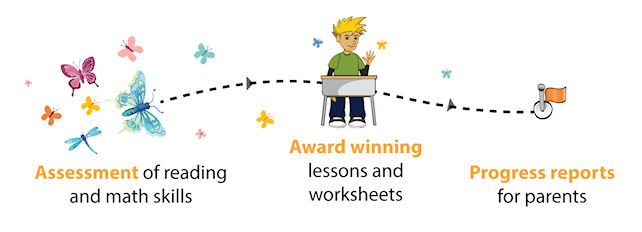
This easy to use program begins with assessments in math and reading that will help get your student learning at a customized pace.  My testers are 2nd, 3rd and 5th graders. 


This program is not designed as core teaching curriculum, but rather, as supplemental review and practice.  Perfect for summer learning!  The Parent login allows you to see a detailed report (which is also emailed) of your child's assessments.  This was a very helpful snapshot of what we need to work on.  If you're not a big standardized tester, this may be a nice way to assess where your student's needs are. 


Each 5-10 minute lesson has videos, models, questions and games as part of learning and review. The program offers over 3,000 tutorials and activities in 3 core areas:  K5 Reading focuses on phonics, sight words, vocabulary and comprehension exercises.  K5 Math covers numbers, measurement, geometry, data and even early algebraic thinking.  K5 Spelling has both spelling and vocabulary tutoring.

After logging in with their own login ID and password, the student can select which area they want to work on.  One of my tester's favorite parts was the daily riddle on the login page.  I've been hearing them repeat these riddles over and over, and it's a fun way to start the lesson.

K5 Spelling has spelling practice and vocabulary practice. The program has over 150,000 words, and is adaptive.  The program actually remembers every word the student misspells and will reintroduce that word in an upcoming session.  It is begins with the student hearing the spelling word, and can read or see a picture example of the word on-screen.  Then, they type the word. They get immediate feedback if it's spelled correctly. This program is a treasure just for the spelling portion!   It's much more fun, and effective to practice your spelling words like this. (not to mention, painless for me as well!)  Parents can customize the spelling lists using words from the student's outside reading and lesson directly from the Parent Login.

Vocabulary exercises are similar to spelling, but the student needs to discover the word from some examples and clues given onscreen.  It's a fun challenge!


In addition, K5 offers printable worksheets for both reading and math lessons.  My testers really liked the word puzzles and variety.  The worksheets are on the login screen as you begin a lesson.  


My testers really enjoyed this program.  I really liked that they could work independently, and at their own pace. I really like how customized this program is, after taking the assessments - your student works exactly at the level they are at for each skill.  So, my students needed more help with phonics, but were doing better in comprehension, the program adjusted to their need.  I also appreciate that subscriptions allow multiple users, so it's very big family friendly and affordable.

Summer is an excellent time to keep working on these important math and reading skills, and K5 makes it fun!  You can try it for FREE by using their free 14-day trial. to see for yourself.

K5 Learning


Find  K5 Learning on Social Media:

Facebook: https://www.facebook.com/k5learning Tag: @k5learning
Twitter: https://twitter.com/K5Learning Tag: @K5Learning
Pinterest: https://www.pinterest.com/k5learning/ Tag: @k5learning
Google+: https://plus.google.com/+K5learning

Hashtags:
#hsreviews, #k5learning, any subject names


See what other members of the Crew thought here

K5 Learning {Reviews}

Crew Disclaimer

Tuesday, April 28, 2015

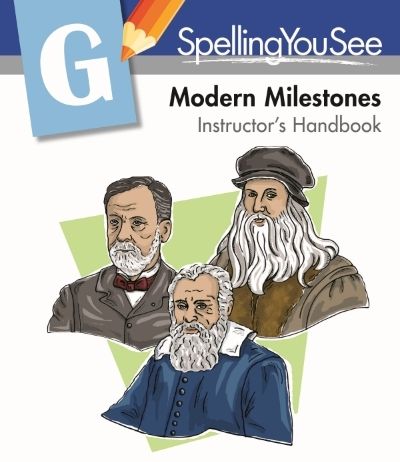
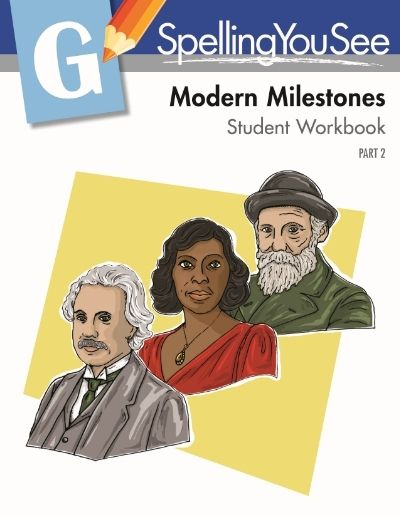
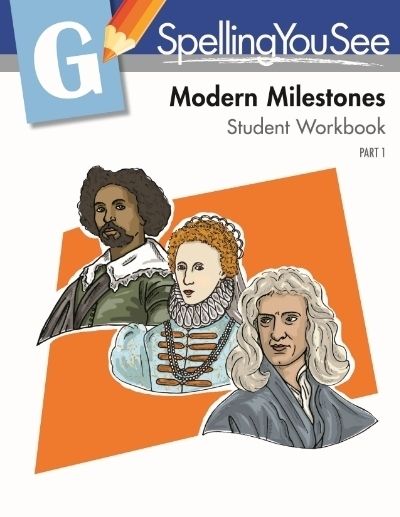
Modern Milestones from Spelling You See : A TOS Crew Review

Spelling You See Review
 
 
Spelling You See Review
Spelling You See ReviewSpelling You See Review
 
 
Spel...Sepll...Speling...SPELLING!  How many attempts does a homeschool teacher have to take at getting this correct?  I'm at the end of my rope...

If you can relate, Bentz Test Laboratory has a lifeline for you - Spelling You See from Demme Learning (makers of Math U See) -  will blow a brand new breath-of-fresh air on spelling instruction!

Many popular programs approach spelling with long lists of rules, or longer lists of words to memorize followed by a dreaded weekly spelling test.  Not Spelling You See - This program is a one-of-a-kind, innovative and effective way to teach spelling IN CONTEXT.  Plus - it's fun for your student, really.

By placing your child in a level that matches their language development (no grade levels here) your child will start learning spelling in a natural way, that appeals to many learning styles.  The Bentz Test Laboratory tester was placed in the Modern Milestones (Level G).  This is one of 2 newly designed levels.  Levels are available for all stages in language development - you can check out a more detailed description of their Five Developmental Stages of Spelling as well as download some Readiness Guides to find the proper place for your student.

Modern Milestones is designed for students in the Word Extension stage of spelling.  My tester was working with base words, suffixes & prefixes, nouns & plurals, Past tense, doubling final consonants , and the one-on-one rule during this review period.  It goes on to work with word endings like -ous, -ation, -ion, science words and more with base words. 

The Modern Milestones set includes: Instructor Guide, two Student Workbooks plus erasable colored pencils for marking.  36 Lessons feature passages used for copywork, dictation, and exercises that focus on interesting people like artists (Jan van Eyck, Botticelli) inventors (Gutenberg, Da Vinci), composers (Amati, Bach) , scientists (Bacon, Kepler), authors (Shakespeare, Crevantes) and many other fascinating characters who have influenced the world in modern time periods.  It's a great companion to history studies too!


Designed to be completed in 5 short daily lessons, it is a full year of instruction.

My student, who is in 6th grade, was able to work completely independently, except for the weekly dictation from me.  I must admit that teacher-intensive spelling programs are the death of spelling around here...who has time for that? Not me!


By using repetition and exposure to the written passage - this program makes spelling make sense. Spelling is developed in context, and much more naturally than memorizing rules and lists. The student carefully reads and marks the passage -called "chunking", copies the passage (great for your handwriting practice as well) and uses it in other activities (like fill-in-the-blank).  Finally, they complete a dictation exercise to show what has been learned.

 No weekly tests!  My tester loved that instead of  "# of errors", she was marked " # of words spelled correctly" -  I love that this new level included a word count for me in the Instructor Guide as well. 


This particular tester is truly a terrible speller.  After many attempts with rules based programs, I had just about given up...determined she may just be "one of those people who can't spell".  Spelling You See has really changed my mind!  I am seeing HUGE leaps of improvement in her spelling AND in her writing skills.  Spelling is a dreaded subject anymore.  One of the easiest to use and most effective programs ever, it get two thumbs up!!

If you have had it with spelling, Please give Spelling You See a try...


Find Spelling You See on Social Media

Facebook: https://www.facebook.com/SpellingYouSee
G+: https://plus.google.com/+SpellingYouSeePage/posts
Twitter: http://twitter.com/SpellingYouSee
Pinterest: http://www.pinterest.com/SpellingYouSee/


Some other Crew Members reviewed - Ancient Achievements (level F).

 
See what other members of the Crew thought here
 
Spelling You See Review
 
 
Crew Disclaimer